Active Engagement, Built Into Every Video
Video tools stop at playback. Quiz tools pull learners out of the course. Annoto does both, adding quizzes, discussion, and analytics right inside the video you already use. No migration, no new platform.


Learn more: what Annoto adds to course video
What Annoto Adds To Course Video
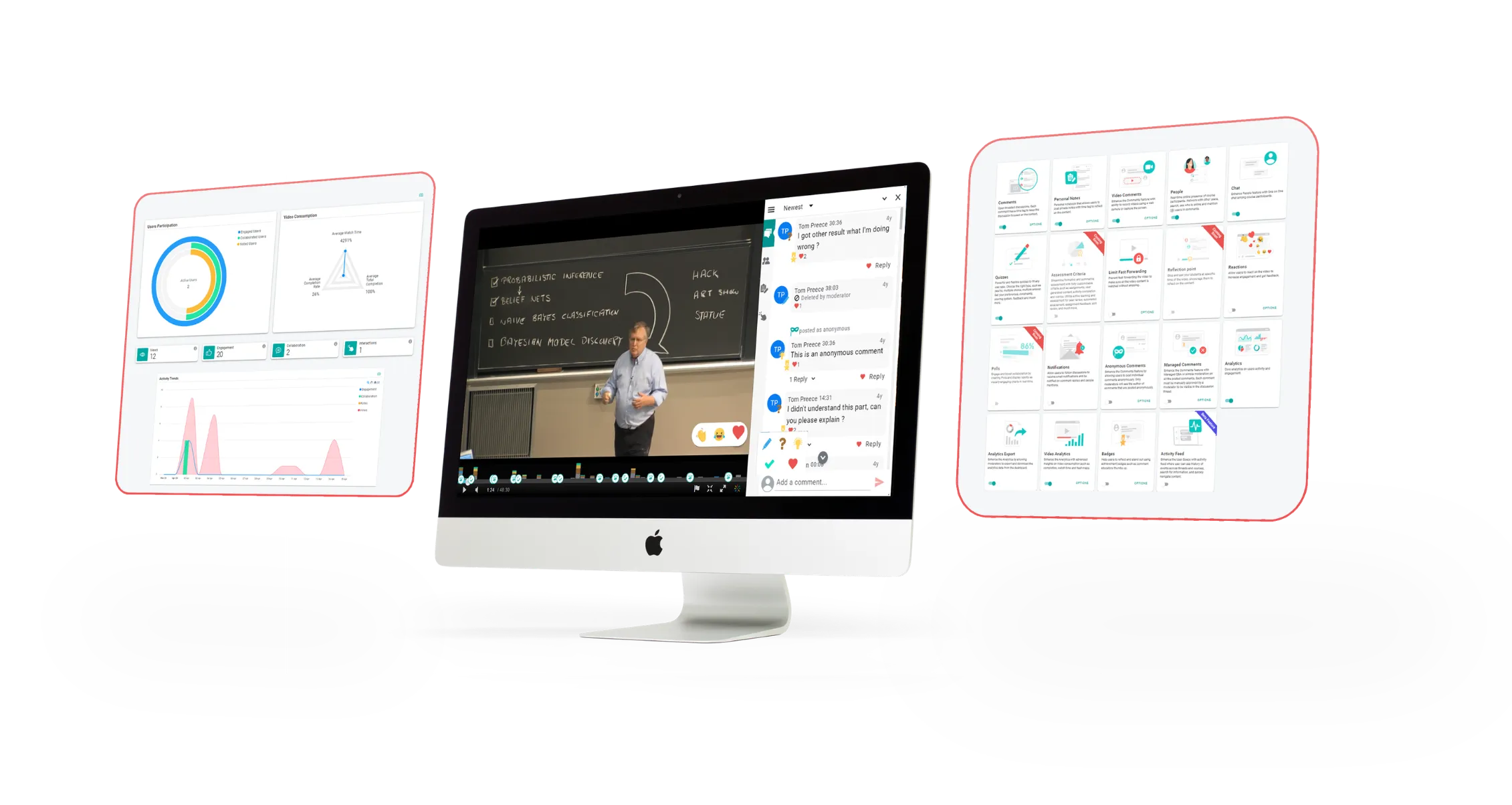
Annoto turns the video your institution already uses into a shared, active learning space. Instead of learners watching alone and instructors guessing who understood, every course video becomes a place where questions, answers, quizzes, and insights live directly on the timeline, inside Canvas, Moodle, Blackboard, Brightspace, or Open edX, and on top of players like Kaltura, Panopto, Wistia, YouTube, and Vimeo.
Already on Kaltura? See how Annoto runs on top of it
Already on Panopto? See how Annoto runs on top of it
One layer, every platform
Annoto deploys as a single LTI 1.3 integration and works across your entire video library, whatever mix of platforms it lives on. There is no player migration, no separate portal, and nothing new for faculty or students to log into. The engagement layer simply appears on the videos your courses already use, with single sign-on and roles inherited from your LMS.
From passive watching to active learning
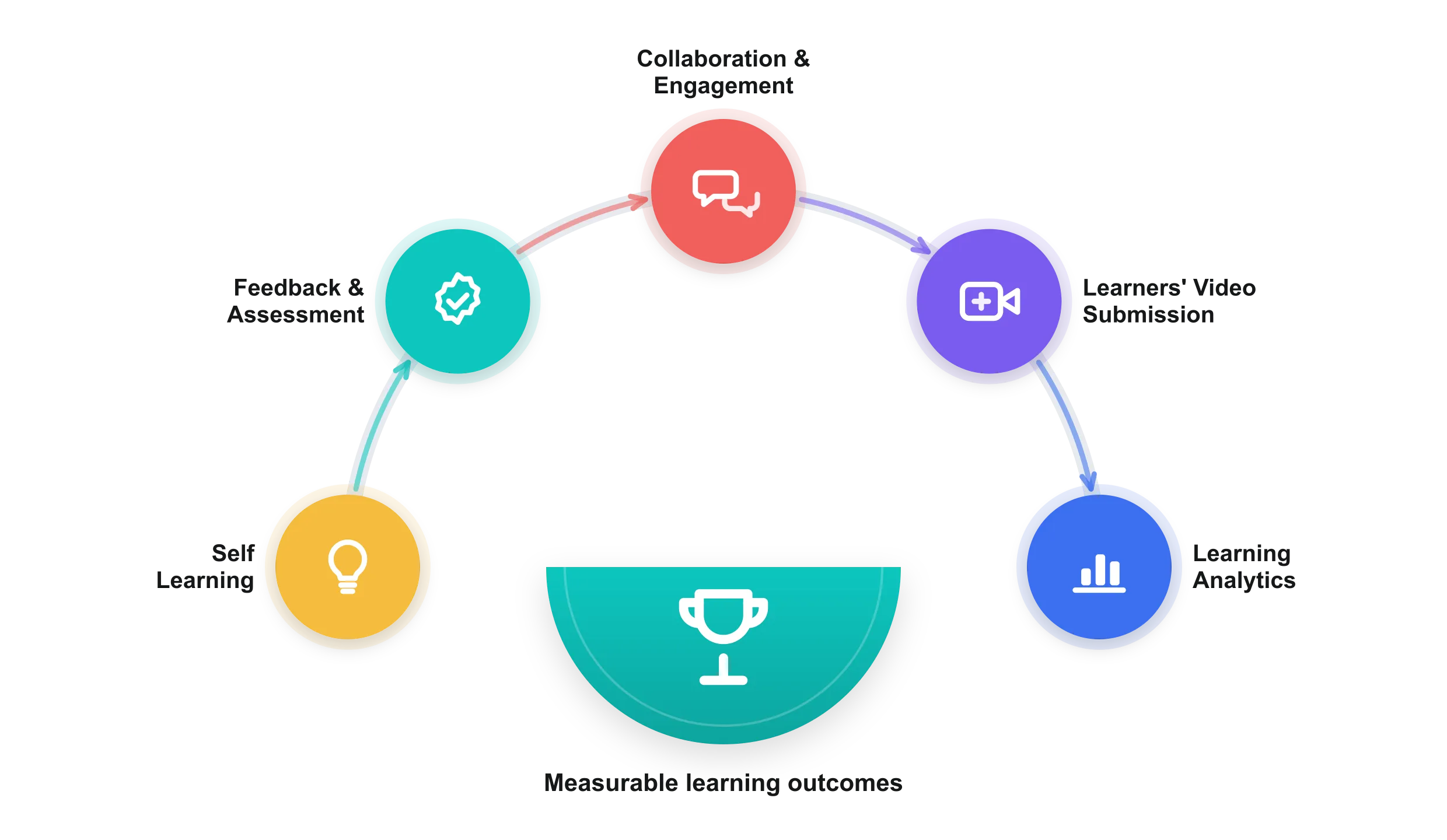
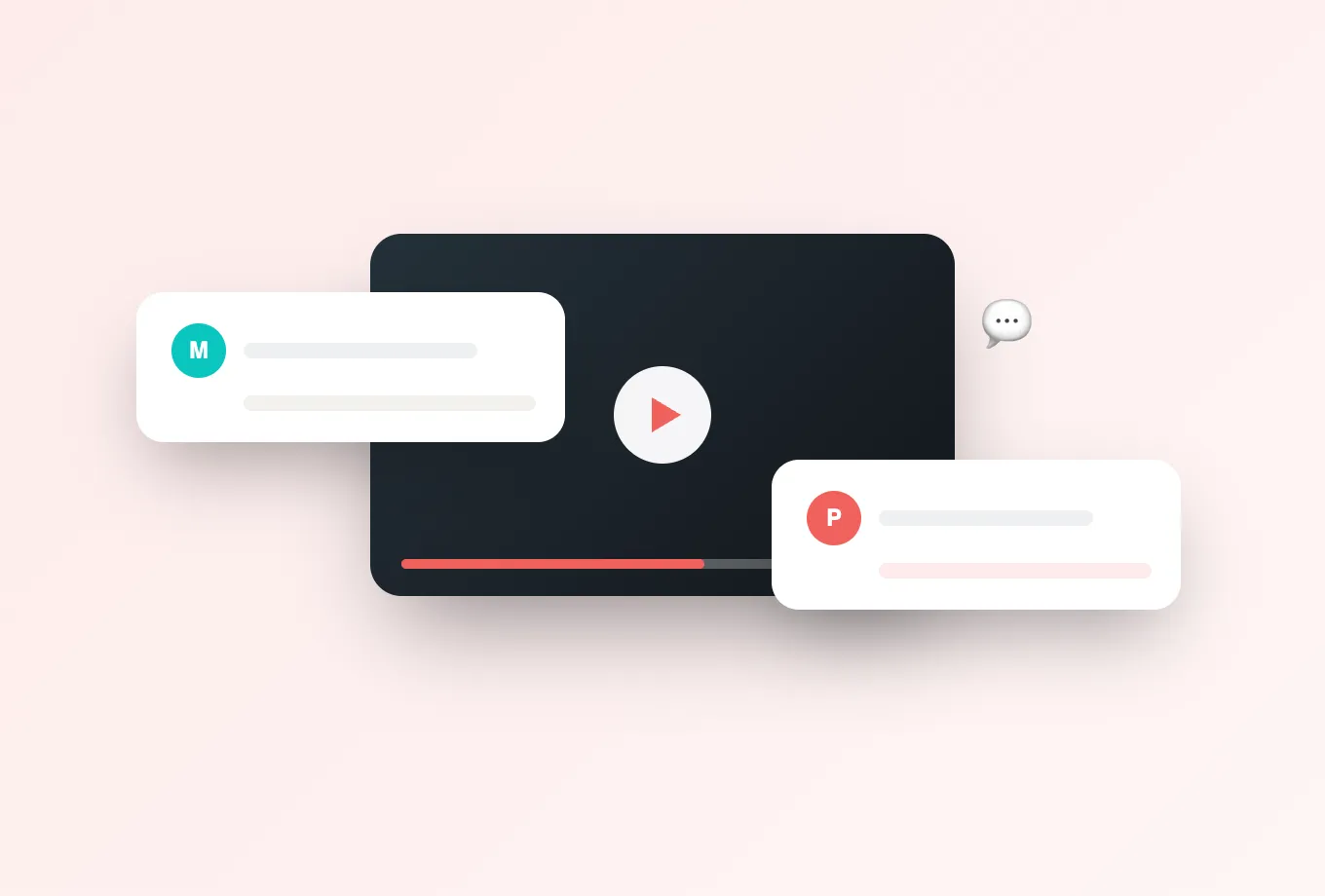
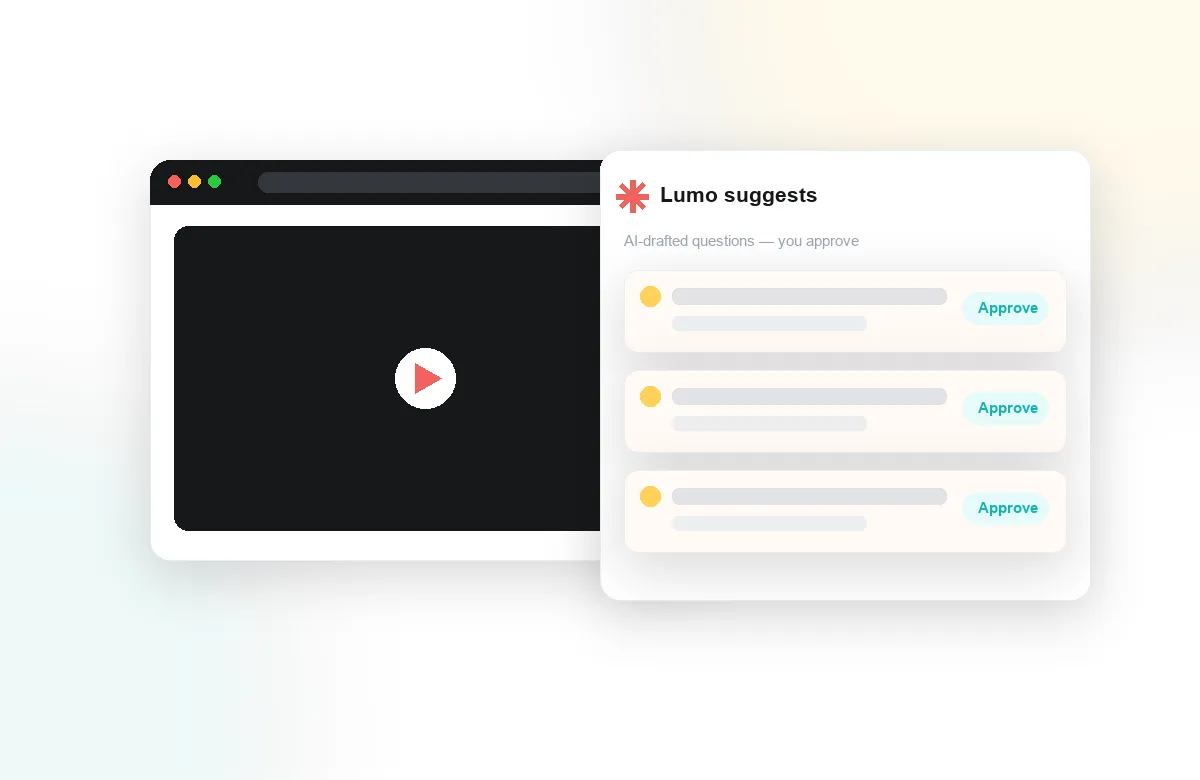
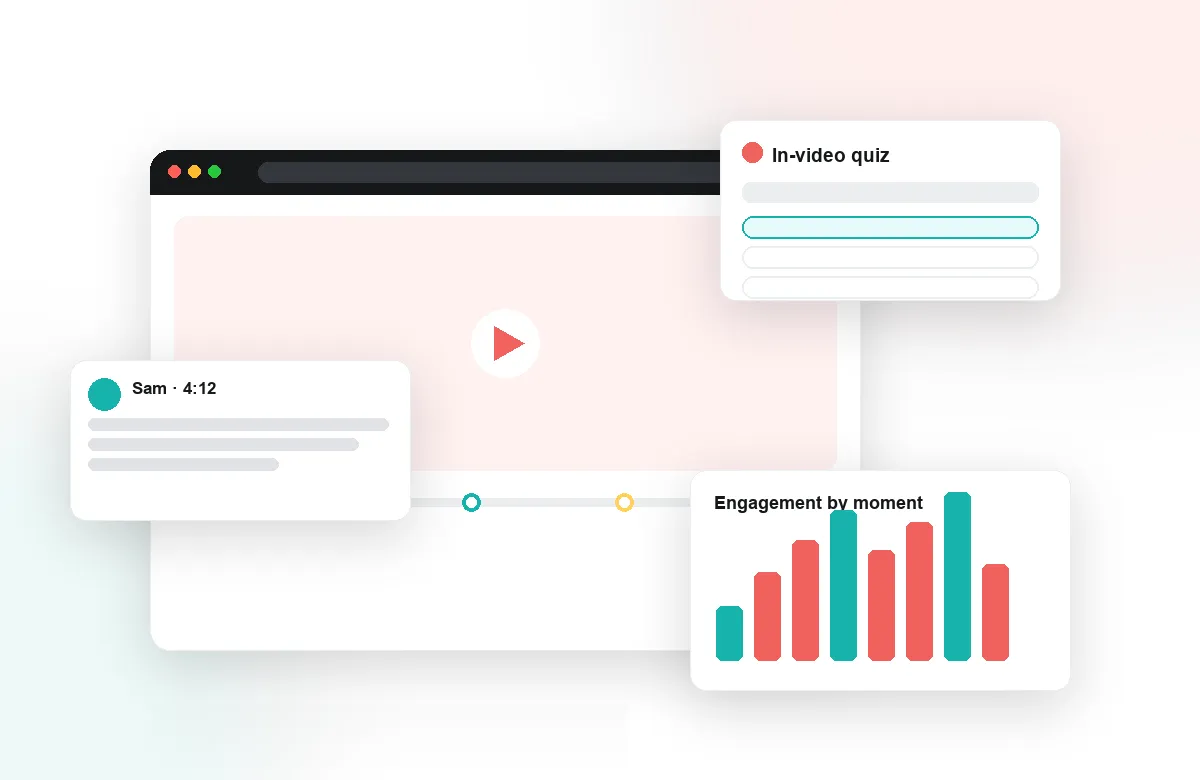
Learners comment, ask, and answer at the exact moment in the video their question refers to. In-video quizzes and reflection points check understanding mid-stream, peer review turns student videos into assessable work, and Lumo, Annoto's AI copilot built for education, helps generate questions and summarize discussions so instructors spend their time teaching, not administrating.
Evidence instructors can act on
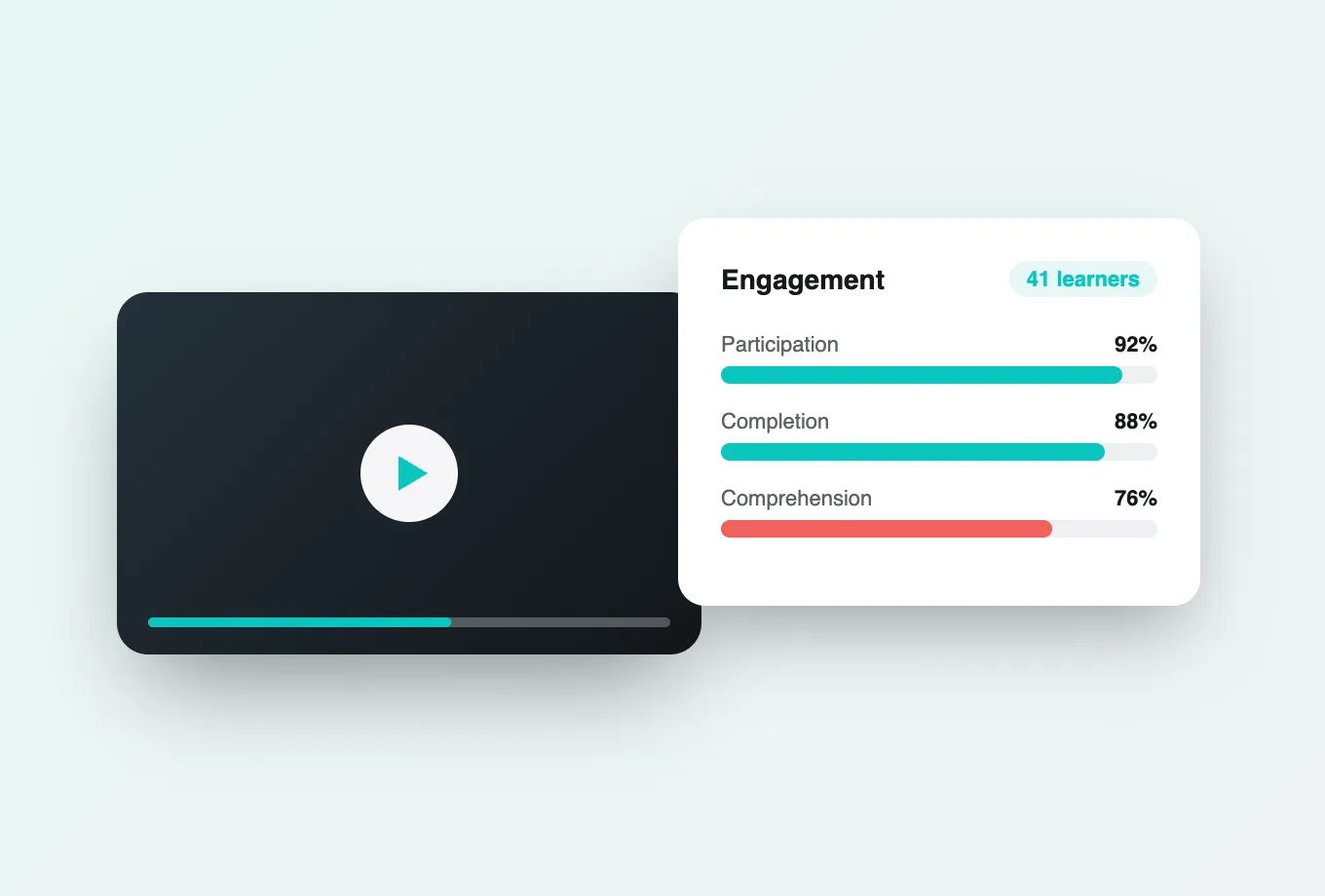
Every interaction becomes insight: attention and comprehension analytics show where cohorts struggle, completion syncs to the LMS gradebook, and per-learner engagement data gives early warning weeks before an exam would. Institutions worldwide use Annoto to see, not guess, how their learners actually work with video.
Explore the product tour to see the full workflow, browse customer stories from universities like NYU, Georgia Tech, and Florida State, or book a demo to see Annoto inside your own LMS with your own course video.
A week inside an Annoto course
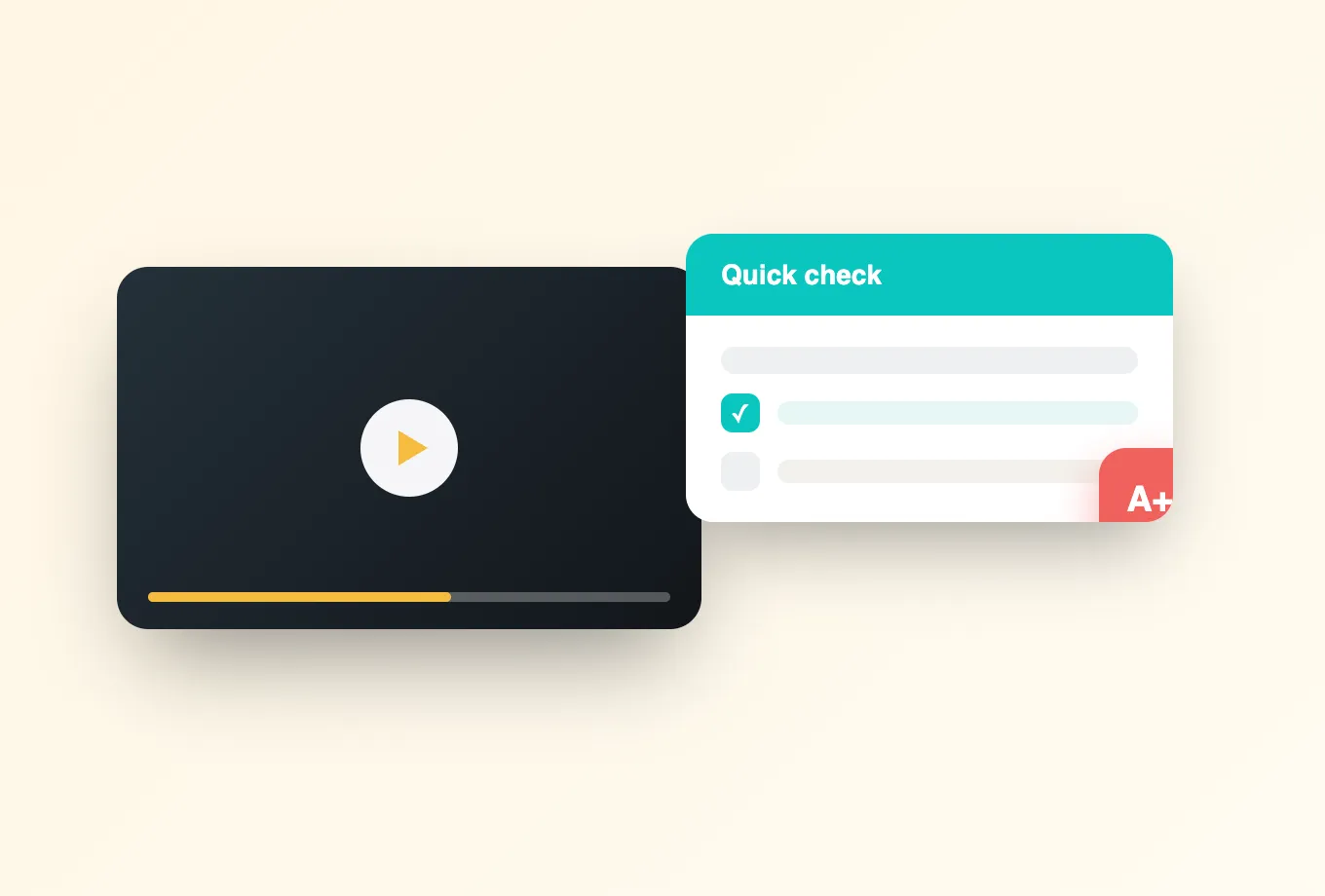
Consider what this looks like in an ordinary teaching week. An instructor publishes the week's lecture recording, drops two quiz questions where the material gets difficult, and places a reflection point at the halfway mark asking students to connect the concept to the previous unit. Students watch on their own schedules, and their questions land at the exact second they arise, so a confusion at minute twelve gets answered once, visibly, for everyone who reaches that moment after. The activity feed shows the instructor which threads still need a reply and which the class has already resolved on its own. By the live seminar, the instructor walks in knowing precisely which concepts held and which need another pass.
The student's week mirrors it. Watching stops being a race to the end of the progress bar: the quiz confirms the difficult section actually landed, the reflection point forces a moment of synthesis, and a classmate's question at minute thirty often surfaces exactly the doubt a student did not know how to phrase. Completion syncs back to the gradebook automatically, so participation is credited without anyone submitting a screenshot.
Beyond comments and quizzes
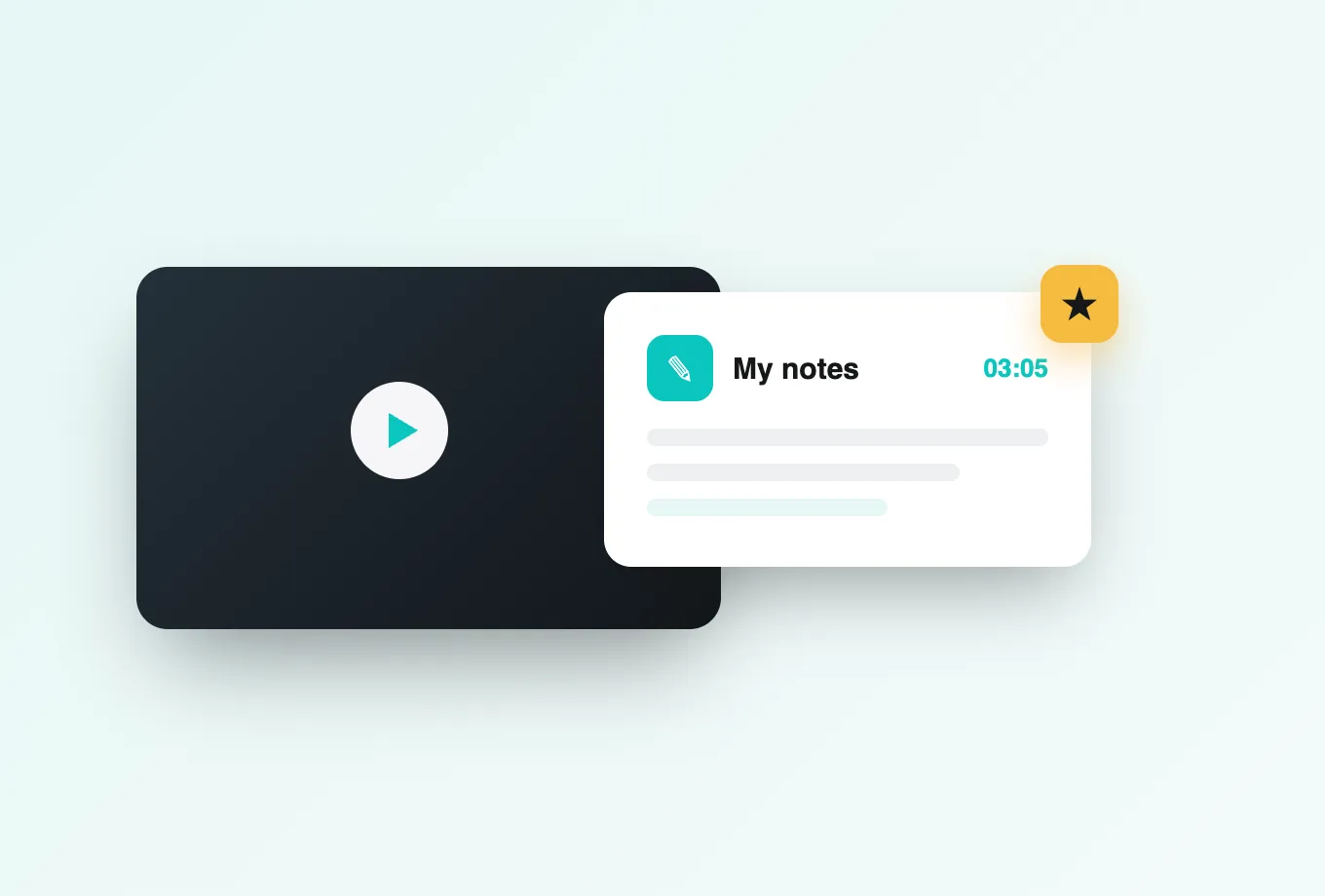
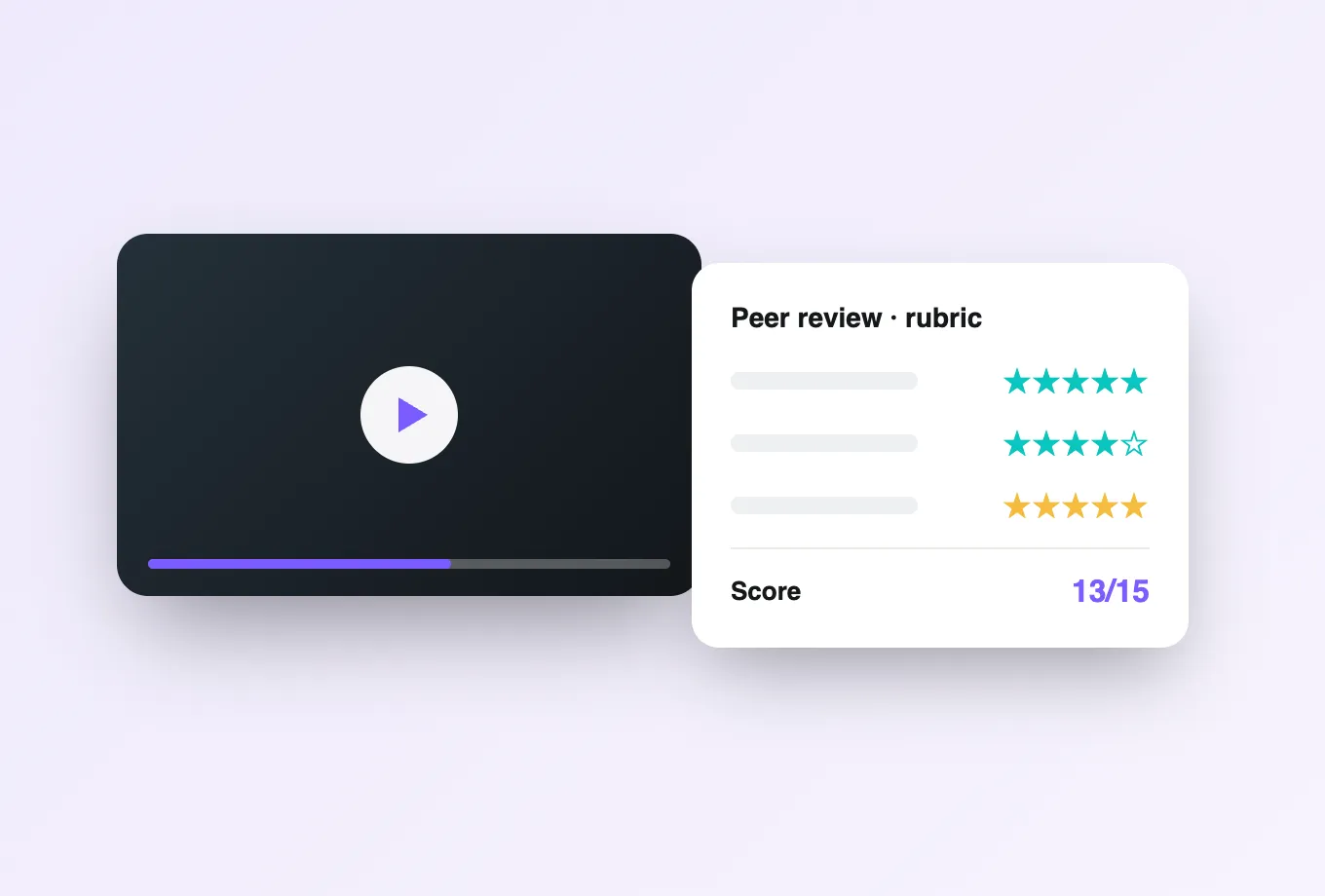
The toolkit extends past discussion and assessment. Polls and reactions give quieter students a low-stakes way to participate, and give instructors a fast read on the room without composing a full question. Personal notes let each learner build a private, time-stamped study record while watching, and AI summaries condense a long comment thread or an hour of discussion into the points worth reviewing before an exam. For courses where students produce video themselves (presentations, clinical simulations, teaching practice), the peer review workflow turns those submissions into structured, criteria-based feedback rather than a scroll of unstructured replies. Group chat keeps project teams working alongside the same footage without splintering off into outside apps.
What deployment actually involves
Rollout is deliberately unexciting. An LMS administrator completes one LTI 1.3 registration (LTI 1.1 remains supported for older environments), verifies the connection in a sandbox course, and decides which courses go first. Because Annoto rides on the players an institution already runs, there is no content migration and no re-encoding: the same Kaltura, Panopto, Wistia, YouTube, or Vimeo assets keep their URLs, their captions, and their place in existing courses. Most institutions begin with a handful of pilot courses chosen for engaged instructors rather than technical convenience, then widen access once the first term produces local examples to point to.
Faculty enablement is correspondingly small. An instructor's first setup (turning on discussion for a video, adding a quiz question, choosing what counts toward completion) is measured in minutes, not training days. Institutions that scale well typically pair a short live session with course templates their instructional design team prepares, and point power users to docs.annoto.net when they want the deeper configuration options.
Reading the results
The analytics reward a habit of small adjustments. When the attention curve dips at the same point for most of a cohort, that segment is a candidate for re-recording or for a prompt that re-engages viewers right before the drop. When a quiz question splits the class, the discussion attached to that timestamp usually explains why, and the instructor can respond in context instead of re-teaching the whole topic. Per-learner views surface students who have quietly stopped watching, early enough in the term for a check-in to matter.
Administrators work one level up. Engagement and completion data exports through CSV or the API into whatever reporting stack the institution already runs, so questions like which programs use video actively or where support effort should go next are answered from data rather than anecdote.
What improvement looks like
Institutions that adopt Annoto tend to track a consistent set of signals: whether more students finish the videos assigned to them, whether discussion spreads beyond the vocal few, and whether the questions instructors field in office hours shift from what did the lecture mean to something deeper. Course teams fold what the analytics show into the next term's revision, so the video library improves iteratively instead of being re-recorded wholesale. The pattern that matters is not a single dramatic result but a course that gets measurably better each time it runs.
Why students feel the difference
For learners, the change is less about features than about company. An asynchronous course stops feeling like watching television alone at midnight when the timeline carries the questions, answers, and reactions of classmates who passed through the same moment. Students in different time zones participate in the same conversation without ever being online together, and the ones who would never raise a hand in a lecture hall often turn out to have the most to say when the question sits at a specific second of video. That accumulated presence is also why discussion persists: next term's students inherit a course whose videos already carry curated conversations worth reading.
Where this page leads
The sections above compress a platform that rewards a closer look. The product tour walks the same ground with screenshots and workflows; the customer stories show how universities structured their rollouts and what their instructors changed; the blog carries the pedagogy behind the design. If you already know which LMS and video platform you run, a demo inside your own environment remains the fastest way to judge fit. The whole point of an engagement layer is how it behaves on your videos, with your courses, for your students.






.svg)


.svg)